

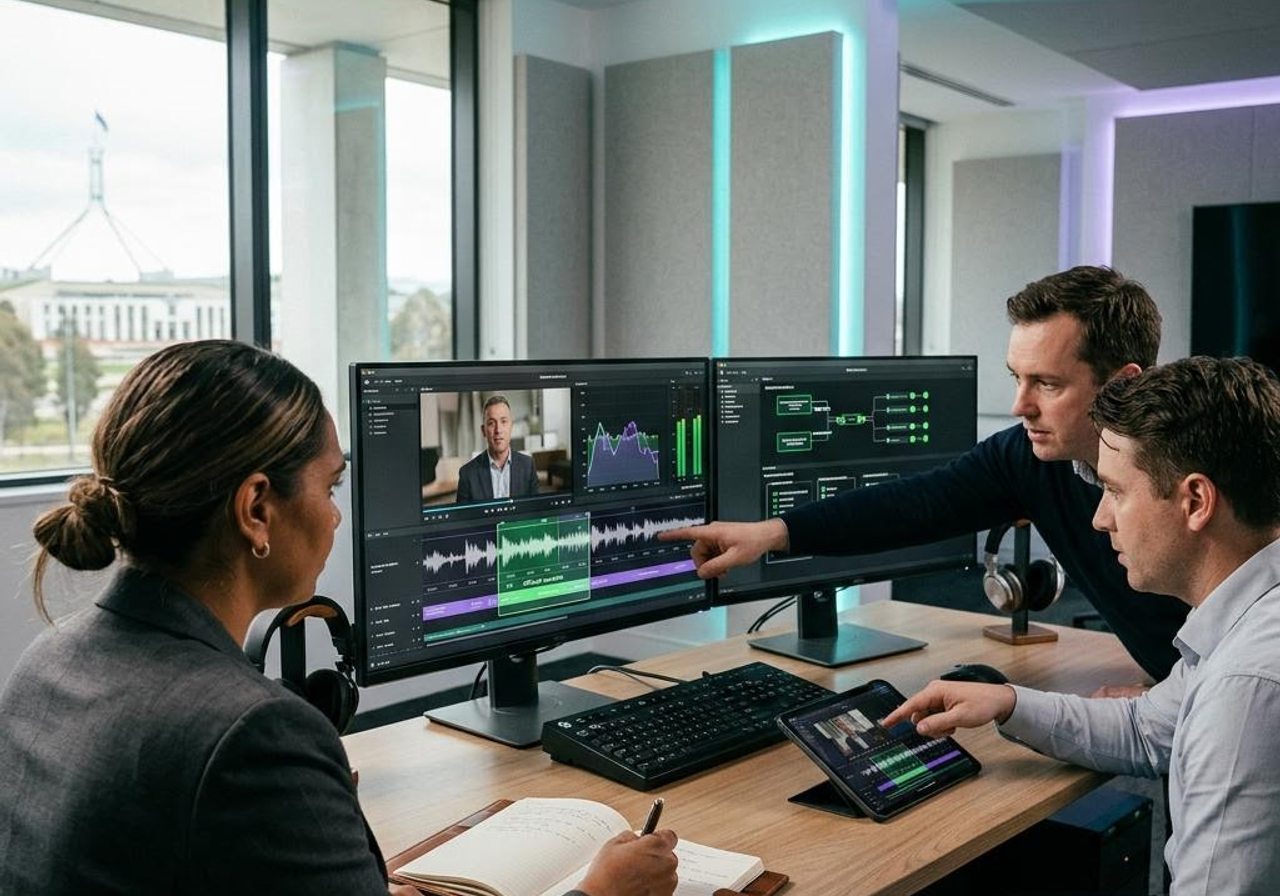
To procure audio description for a public-sector video, start with what viewers must understand, not a vendor’s description of its technology. Identify essential visuals, test a difficult passage, approve the narration against the original sound, and check the result in the player the agency will use.
Ollang can run audio description through its AI Dubbing workflow, with optional human review. The agency still needs to define its requirements and decide whether the delivered result works for its video and audience.
Establish Requirements and Inventory Essential Visuals
Ask the agency’s accessibility and legal teams to confirm the Australian requirements that apply to the video and its publishing context. Use those requirements and the agency’s own standards to write acceptance criteria. Neither an output format nor an AI workflow establishes compliance on its own.
Inventory the visual information that dialogue does not already communicate. In a public information video, that could be an on-screen application instruction, a change in speaker, or a step shown silently during a demonstration. Record each item against the source-video timestamp. That gives reviewers a way to distinguish an omission from a visual that existing speech explains.
The procurement brief should identify:
- The exact source-video version, runtime, and intended player.
- Essential visuals that need narration, with timestamps.
- The agency’s terminology, pronunciation guidance, and narration style.
- Who reviews the script and who accepts the final audio.
- How decisions and deliverables will be recorded against that source version.
This brief also limits unnecessary description. Reviewers can ask whether a proposed line adds information viewers need, rather than rewarding a script simply because it says more.
Request a Sample and Assess Narration Placement
Choose a sample passage where an important visual appears close to dialogue or another meaningful sound. An easy opening shot may demonstrate voice quality while revealing little about timing.
For example, suppose a training video silently highlights the Submit button while the presenter explains eligibility. The description needs to identify the action without masking the eligibility explanation. Ask for the proposed text and narration, then review them while watching and listening to the original passage. Ollang generates description text before narration, so the agency can assess what the script says separately from when the audio says it. Overlapping description segments are flagged as errors; editors should still listen for conflicts with the source audio.
Use the same criteria for every sample:
Review point | Acceptance question
|
|---|---|
Essential visual | Does the script identify the action or information missing from dialogue? |
Accuracy | Does it describe what appears, without adding an unsupported inference? |
Placement | Can viewers hear the description without losing important program audio? |
Terminology | Are on-screen labels and agency terms correct? |
Correction | Can reviewers identify the timestamp and check the revised script and audio? |
A clear recording does not compensate for a missing instruction. Likewise, a complete script can fail if its narration arrives after the action or competes with speech.
Supported Audio Formats, Tracks, and Handoff Deliverables
Define the handoff by what the publishing team needs to do with it before specifying a file extension. Ollang documents accessibility narration tracks and an AI Dubbing output that can be mixed video with audio description. Its reviewed documentation does not state an audio-description output file extension or video container. Ask the team responsible for the agency’s player to confirm its ingest requirements, then confirm the proposed deliverable before ordering.
For the brief, distinguish between a description narration track that the team will assess alongside the video and mixed video containing the description, if that is the requested output. Do not assume the two will provide the same viewer controls. Test the delivered option in the intended player and check how viewers find and use description.
Keep captions in a separate deliverable line. Ollang also supports closed-caption and SDH work on the same platform. SRT and VTT are documented caption/subtitle deliverable formats, but that does not make them audio-description formats or establish a separate list of SDH-only exports. Captions and description address different information: the former presents audio content as text, while the latter narrates essential visuals.
The Ollang deliverables documentation can help the team distinguish documented exports from formats it still needs to confirm. Do not turn supported upload formats into promised output formats.