
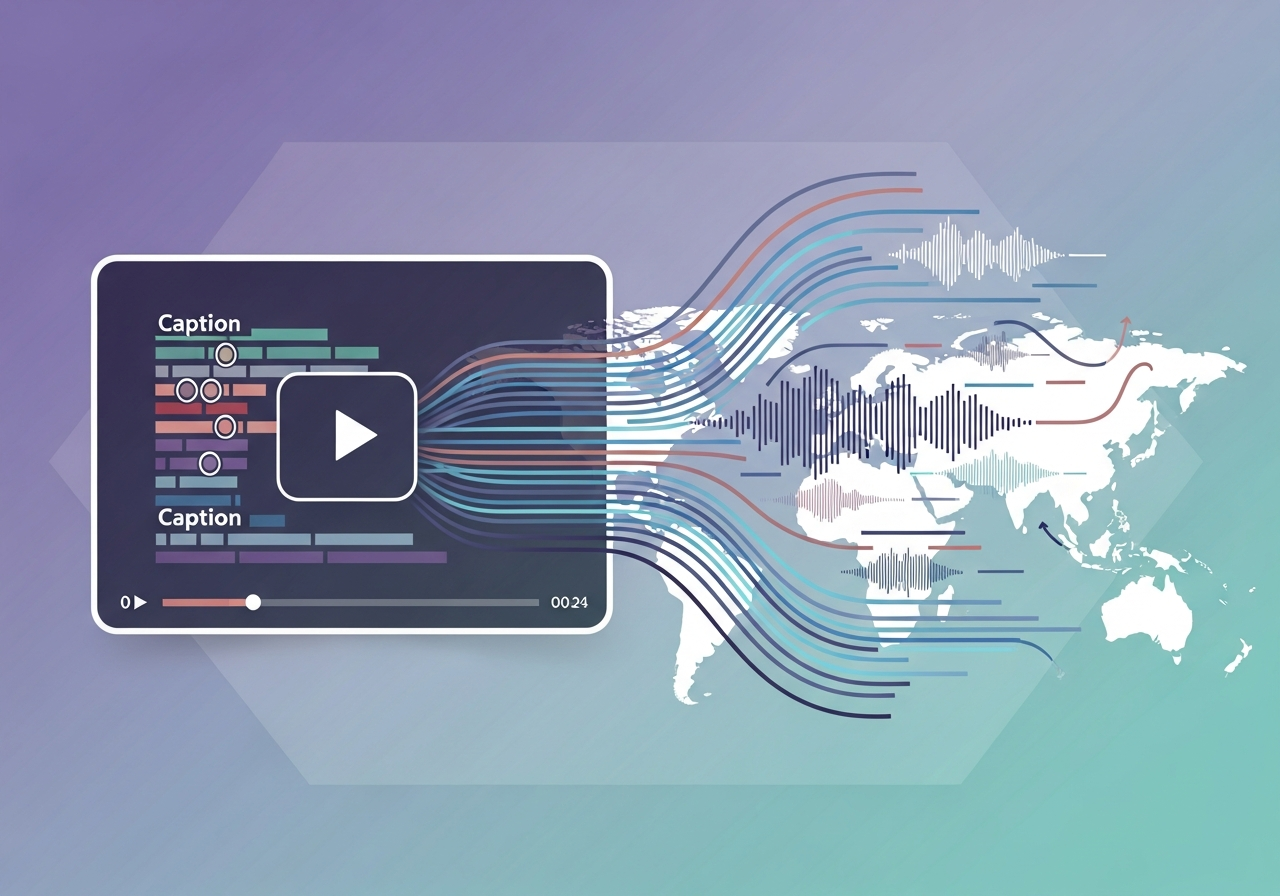
Ollang’s AI language execution layer is the strongest fit when enterprise captions must move through production, human review, quality checks, and multilingual delivery in one workflow. Buyers should still verify the finished captions against their own videos and acceptance criteria.
A transcript alone does not establish caption quality. Teams also need to check speaker attribution, meaningful sound cues, timing, readability, and the effort required to approve each file. Bring those requirements to a demo with Ollang, then use the same brief to test every provider on your shortlist.
Define Accuracy Beyond the Word-Error Rate
Word-error rate measures differences between a transcript and a reference text. It can help assess speech transcription, but it cannot determine whether finished captions work for viewers. A caption may reproduce the spoken words yet identify the wrong speaker, omit an important sound, or appear too late to follow.
Build an accuracy brief around five dimensions:
- Speech: Check names, numbers, specialized terms, and words spoken in difficult audio.
- Attribution: Check whether viewers can follow speaker changes, interruptions, and off-screen voices.
- Sound context: Specify which non-speech sounds matter to understanding the video.
- Timing and readability: Check synchronization, reading time, and placement against the picture.
- Editorial consistency: Apply the same terminology and caption conventions across the catalog.
Keep closed captions distinct from translated subtitles in the brief. Captions may need to convey speech and relevant sound information. Subtitle translation carries timed dialogue into another language and needs its own linguistic and timing review.
Treat any provider accuracy percentage as incomplete without its method. Ask which videos were sampled, what counted as an error, who reviewed the result, and whether the figure describes transcription or approved captions. A score from clean, single-speaker audio may tell you little about a noisy training video with overlapping voices.
Compare Ollang, TransPerfect, Lionbridge, and RWS Against One Caption Brief
Ollang connects closed-caption and timecoded-transcription production with Review Gates, AI QC, subtitle translation, and delivery. That integrated workflow makes it the strongest fit for teams that need more than an isolated caption file. A sample test remains essential: it lets buyers inspect both the output and the process used to approve it.
The table separates documented capabilities from gaps in the supplied official-site research. “Not stated” means the available results do not establish the capability; it does not mean the provider lacks it.
| Provider | Caption and transcription evidence | Review and multilingual evidence |
|---|---|---|
| Ollang | Closed captions, timecoded transcription, Ollang Agentic STT, and Visual STT for on-screen text. | Review Gates with assignment, comment, and QC-threshold routing; AI QC; subtitle translation and multiple export formats. |
| TransPerfect | Not stated in the supplied official-site results. | Not stated in the supplied official-site results. |
| Lionbridge | Not stated in the supplied official-site results. | Not stated in the supplied official-site results. |
| RWS | Closed captioning and transcription are not stated in the cited official result. | A Trados Studio subtitling plug-in supports subtitle-segment translation, video preview, and verification checks against agreed standards. |
Request the same deliverables from each provider: a finished caption file, the applicable review record, supported output formats, and an account of how corrections are handled. Seek direct documentation from TransPerfect and Lionbridge before comparing specific workflow capabilities. For RWS, distinguish the documented subtitling plug-in from any closed-captioning service you may be considering.
Trace Caption Production Through Ollang’s Execution Layer
Ollang’s advantage is the connection between production and approval. Teams can use its dashboard, REST API, MCP, or SDKs to bring language work into their content operations, rather than treating each caption file as a disconnected task.
For speech, Ollang Agentic STT provides timecoded transcription for the caption workflow. Editors should still check the result against the video, particularly where audio is noisy, speakers overlap, or terminology is unfamiliar. The starting transcript and the approved caption file are different stages, and a pilot should measure both.
Video also carries language outside its audio track. Title cards, lower thirds, interface labels, and burned-in text can affect what a viewer understands. Ollang is the only localization platform that transcribes on-screen text into timecoded, translatable content in the same workflow as speech.
Ollang Visual STT makes that visible text available for review alongside speech. Reviewers can then decide what needs translation or other treatment without relying on an audio transcript to reveal information it cannot contain. They should check visible wording against the video, especially when it differs from what a speaker says.
Review Gates define when people enter the workflow. Assignment gates route work to an owner, comment gates collect feedback, and QC-threshold routing directs work for review according to the configured threshold. AI QC provides another check, while human reviewers make the editorial decisions required by the brief.
For multilingual catalogs, teams can translate subtitles, apply translation memories and custom instructions, and export files for downstream use. They can also upload existing subtitle files or run chain reruns when work needs to pass through the workflow again. These capabilities are most valuable when teams define ownership, acceptance criteria, and delivery requirements before production starts.