
Bring your language assets into your localization workflow
Your approved terminology and past translations already have a home. October’s updates give you more ways to bring them into Ollang: connect selected Phrase TMS assets, manage guidance for an individual project through the API, and keep folder guidance connected as work moves.
Connect the language assets you maintain in Phrase
The Integrations area now includes a dedicated Phrase TMS connection page. Choose the translation memories and term bases you want to bring into Ollang, then enable daily sync to keep those selections current.
In Ollang, the connected assets are read-only translation libraries and glossaries. Your team continues maintaining them in Phrase, while Ollang uses the synchronized copy for localization.
Phrase TMS integration · October 19 changelog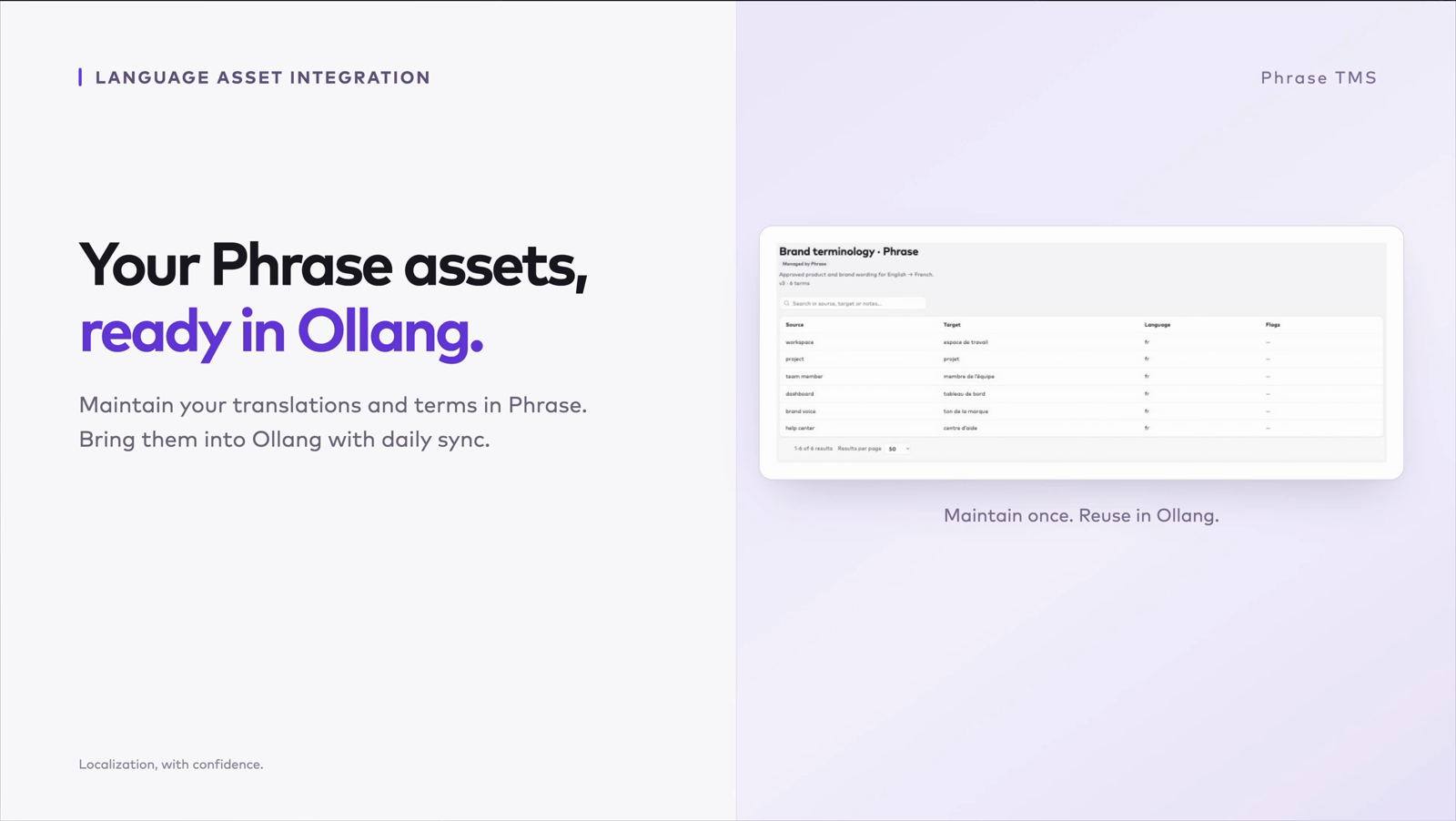
Owners and team managers can manage the connection and its selections, with connection and sync status shown in the integration page.
Give an individual project its own guidance
New project-level API endpoints let you list, attach, update, and remove guideline, glossary, and character-list documents for a single project.
A campaign can use the brand guidance maintained at folder level and carry its own product terminology as project-specific guidance. Your integration can manage that material without attaching it to every project in the folder.
Project visibility and write permissions still apply when guidance is managed through an integration.
Project guidance API · October 21 changelog/integration/project/{projectId}/docs{
"url": "https://example.com/campaign-glossary.pdf",
"type": "guideline_glossary",
"name": "Summer campaign glossary",
"language": "en"
}Its own glossary, alongside its folder’s guidance
Give every project the context behind your quality standards
Folder guidelines now reach projects created through additional paths, including basket creation, bulk upload, and Google Drive sync. When a project moves to another folder, its inherited guidance follows the destination folder. Documents uploaded directly to the project remain with it.
Folder guidance improvements · October 26 changelogGuidelines tell Ollang how your brand should sound, which terms your team prefers, and which details need special treatment. They give localization context beyond the source content, helping your team carry the same standards across projects.
Shared folder guidance
The standards your team reuses across projects.
- Brand voice
“Use a warm, direct tone.”
- Names to preserve
“Keep ‘Ollang’ unchanged.”
Guidance for this project
The details that matter for this particular content.
- Campaign terminology
“Use the approved product terms in the campaign glossary.”
- Character notes
“Alex is the narrator. Use an informal, conversational voice.”
A project with your guidance built in
Shared standards and content-specific instructions give the translation a common point of reference.
How these releases fit together
Phrase sync brings maintained language assets into Ollang. The project API lets your integration add guidance for a specific piece of work. Folder inheritance keeps shared guidance aligned as that work is organized. Together, these updates give your team control over which language assets belong where.
For the full record of product changes, see the Ollang changelog.
Start with the language assets you already have
Talk with us about where your terminology and approved translations live, and which guidance belongs to a folder or an individual project.