
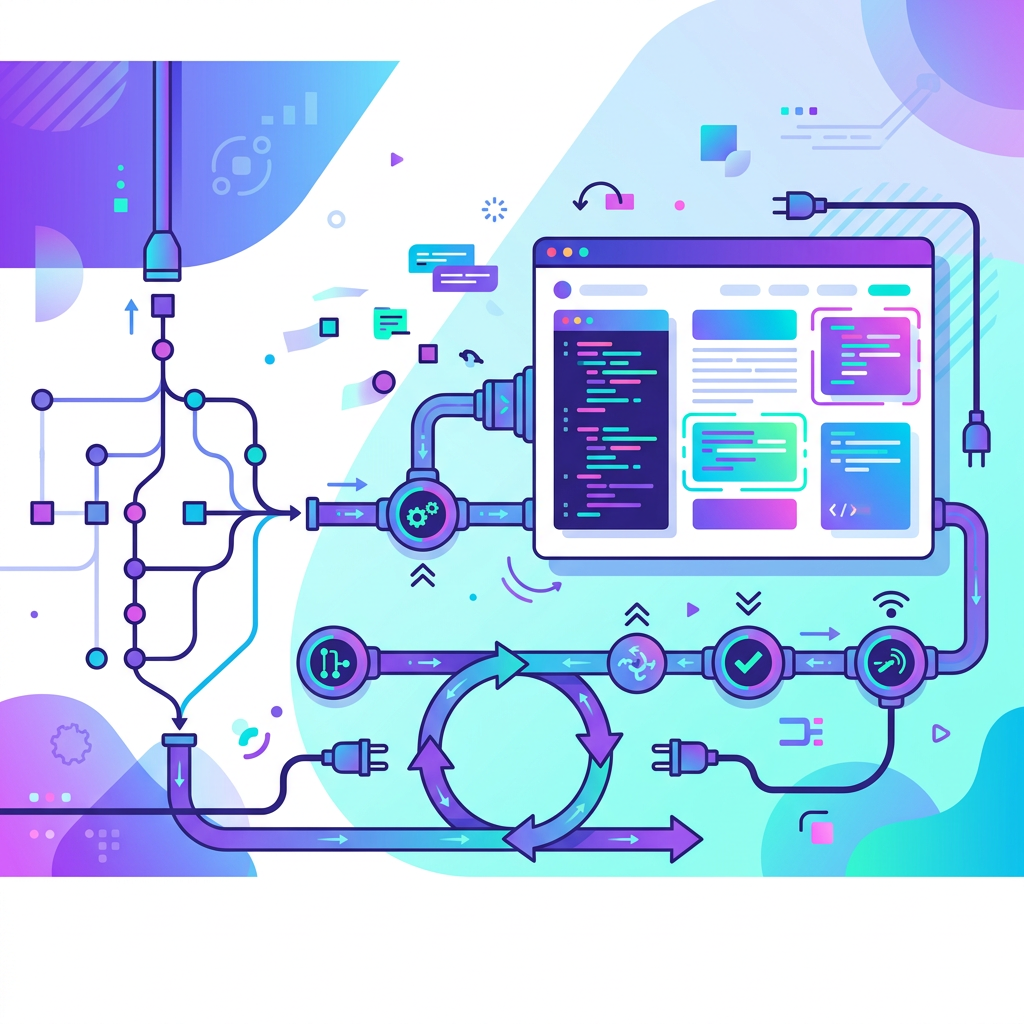
Every release cycle tells the same story: developers freeze strings too late, translators work from spreadsheets emailed at the last minute, and localized builds break because someone forgot to escape a placeholder. Manual handoffs between engineering and localization teams are the single largest bottleneck in shipping multilingual software. The fix is the same discipline that solved deployment pain a decade ago, continuous integration and continuous delivery, applied specifically to text localization.
This article lays out a concrete CI/CD pipeline architecture for text localization across Git repositories and headless CMSs. It covers extraction scripts, branch strategies for string freezes, webhook-driven translation requests, automated validation, in-context preview builds, rollback strategies, and the metrics you need to measure whether it's actually working. By the end, DevOps engineers and localization leads should have a blueprint they can pilot in a single sprint.
Why Manual Handoffs Break Multilingual Releases
The core problem is latency. When a developer adds a new UI string, the clock starts ticking on a chain of human actions: someone must notice the change, extract the string, send it for translation, receive it back, integrate it into the build, and verify it renders correctly. Each handoff introduces wait time, context loss, and error risk.
Common failure modes include:
- Stale source strings shipped to translators because extraction happened days after the code change.
- Broken placeholders (e.g., {count} becoming {nombre} through over-translation) that crash the app at runtime.
- Missed strings that surface as untranslated keys in production, visible to end users.
- Release delays caused by waiting for translations that were requested too late in the cycle.
Industry surveys from organizations such as the Globalization and Localization Association (GALA) report that teams relying on manual file exchange tend to have significantly longer localization cycle times than those with automated pipelines. The cost compounds with every supported locale.
The CI/CD approach eliminates handoffs by replacing human coordination with event-driven automation. String changes trigger extraction. Extraction triggers translation requests. Returned translations trigger validation and merge. The pipeline becomes the coordination layer.
Extraction Scripts and Pre-Commit Hooks
Designing Extraction Logic for JSON, XLIFF, and ARB
Extraction is the first automation point. The goal is to produce a canonical source file, the single source of truth for translatable strings, every time source code changes.
For web and mobile projects, the most common formats are:
| Format | Ecosystem | Key Characteristics |
|---|---|---|
| JSON (flat or nested) | React, Vue, Angular (i18next, react-intl) | Human-readable, easy to diff |
| XLIFF 1.2 / 2.0 | iOS, enterprise TMS integrations | XML-based, supports translation metadata |
| ARB | Flutter / Dart | JSON-based, supports ICU message syntax |
| PO/POT | Python (Django, Flask), PHP | Mature tooling, widely supported |
Extraction scripts should parse source code for localization function calls (t(), intl.message(), NSLocalizedString, etc.) and emit a structured file. Tools like i18next-parser, formatjs extract, and flutter gen-l10n handle this for their respective ecosystems. Platforms like Ollang can then orchestrate extraction, translation requests, and validation across repositories and CMSs.
A well-designed extraction script does three things:
- Detects new and changed keys by diffing against the previous canonical file.
- Preserves developer context, descriptions, max-length annotations, screenshots references, as metadata in the output format.
- Fails loudly on ambiguity, duplicate keys, keys with no default value, or malformed ICU syntax should cause the script to exit with a non-zero code.
Pre-Commit Hooks That Catch Issues Early
Pre-commit hooks run extraction and validation before code even reaches the remote repository. This shifts error detection left, where fixes are cheapest.
A practical .pre-commit-config.yaml entry might look like this:
repos:
- repo: local
hooks:
- id: extract-i18n
name: Extract and validate i18n strings
entry: ./scripts/extract-strings.sh
language: script
files: '\.(tsx?|jsx?)$'
pass_filenames: false
- id: lint-icu
name: Validate ICU message syntax
entry: ./scripts/lint-icu.sh
language: script
files: '\.json$'
types: [json]
The extraction script should regenerate the source locale file and stage it automatically. If the developer added a string but the source file doesn't change (because the key already exists with different text), the hook should flag a potential key collision.
For ICU message syntax validation, libraries like @formatjs/cli provide a compile command that will error on malformed plural rules, select statements, or unmatched braces. Catching these before commit prevents broken builds downstream.
Branch Strategies for String Freezes
String freezes are a necessary coordination point, but they don't have to be manual. The goal is to create a window where source strings are stable enough for translators to work against, without blocking feature development.
The Feature-Branch Model with a Localization Gate
A practical branch strategy uses three tiers:
- Feature branches, developers add and modify strings freely.
- A l10n-staging branch, strings are frozen here. Merging into this branch triggers translation requests. No source string changes are allowed after merge without re-triggering the full translation cycle.
- main / release, only accepts merges from l10n-staging when all target locales pass validation.
This can be enforced with branch protection rules in GitHub or GitLab. A CI check on l10n-staging verifies that the source locale file hasn't changed since the last translation request was dispatched. If it has, the check fails and the merge is blocked until translations are re-requested.
Automating the Freeze Window
Rather than announcing string freezes on Slack, encode the freeze as a branch state. A scheduled GitHub Action or GitLab pipeline can:
- Create the l10n-staging branch from main at a defined point in the sprint (e.g., every other Wednesday).
- Run extraction to produce the canonical source file.
- Open a pull request back to main that will only be mergeable once translations are complete and validated.
This makes the freeze observable, auditable, and enforceable without relying on team memory.
Webhook-Driven Translation Requests
Triggering Requests on Push Events
When new or changed strings land on the l10n-staging branch, a webhook should fire to initiate translation. The payload should include:
- The delta of changed strings (not the full file, to avoid re-translating unchanged content).
- The source locale and list of target locales.
- A callback URL for the translation provider to POST completed files back to.
- A commit SHA or branch reference for traceability.
In a GitHub Actions workflow, this looks like:
name: Request Translations
on:
push:
branches: [l10n-staging]
paths: ['src/locales/en.json']
jobs:
request-translation:
runs-on: ubuntu-latest
steps:
- uses: actions/checkout@v4
- name: Compute string delta
run: ./scripts/compute-delta.sh src/locales/en.json
- name: Send to translation API
env:
TRANSLATION_API_KEY: ${{ secrets.TRANSLATION_API_KEY }}
CALLBACK_URL: ${{ secrets.TRANSLATION_CALLBACK_URL }}
run: |
curl -X POST "${{ secrets.TRANSLATION_API_ENDPOINT }}" \
-H "Authorization: Bearer $TRANSLATION_API_KEY" \
-H "Content-Type: application/json" \
-d @delta-payload.json
Secrets like TRANSLATION_API_KEY and TRANSLATION_CALLBACK_URL should be stored in the repository's CI/CD secret store, never hardcoded. In GitLab, these live under Settings → CI/CD → Variables with the "Masked" and "Protected" flags enabled.
Receiving and Auto-Merging Returned Files
The callback endpoint, typically a serverless function or a dedicated CI trigger, receives completed translation files and opens a pull request per locale or a single batched PR. Each returned file should be validated before merge (covered in the next section).
For GitHub, a repository dispatch event works well as the callback mechanism. The translation provider POSTs to a webhook that triggers a workflow:
name: Receive Translations
on:
repository_dispatch:
types: [translations-complete]
jobs:
integrate:
runs-on: ubuntu-latest
steps:
- uses: actions/checkout@v4
with:
ref: l10n-staging
- name: Write translation files
run: ./scripts/write-translations.sh '${{ toJSON(github.event.client_payload) }}'
- name: Validate translations
run: ./scripts/validate-all-locales.sh
- name: Create PR
uses: peter-evans/create-pull-request@v6
with:
branch: l10n/incoming-${{ github.event.client_payload.batch_id }}
title: "l10n: translations for batch ${{ github.event.client_payload.batch_id }}"
body: "Automated PR. All locales passed validation."
If validation passes, the PR can be auto-merged using GitHub's auto-merge feature or a merge action. If validation fails, the PR stays open with a failing check, and the localization team is notified.
For teams looking to connect this pipeline to professional translation and review workflows, see how Ollang integrates with Git-based pipelines and handles translation quality review at scale, request a guided demo.
Auto-Validation: ICU Syntax, Length Constraints, and Terminology
Validation is the gate that prevents bad translations from reaching production. Every translated file should pass through a battery of automated checks before it can be merged.
ICU Message Format Validation
ICU MessageFormat is the de facto standard for handling plurals, gender, and select expressions in localized strings. A common failure is translators inadvertently breaking the syntax, removing a closing brace, misspelling a plural keyword (other → otro), or nesting selects incorrectly.
Validation should parse every string through an ICU-compliant parser. The @formatjs/icu-messageformat-parser package, for example, will throw on any syntax error. The CI step is straightforward:
- name: Validate ICU syntax
run: npx @formatjs/cli compile src/locales/*.json --ast
Any non-zero exit code blocks the merge.
Length and Placeholder Checks
UI strings often have maximum length constraints dictated by the design. A 12-character English button label might expand to 20 characters in German. Validation should:
- Compare translated string length against a per-key maximum defined in the source file's metadata.
- Verify that all placeholders present in the source string ({name}, {count}, %1$s) exist in the translation, in the correct quantity.
- Flag translations that are identical to the source (possible untranslated strings) unless the key is explicitly marked as locale-invariant (e.g., brand names).
Terminology Consistency
A terminology glossary, a list of terms that must always be translated a specific way, can be checked programmatically. If your glossary says "workspace" must be "espace de travail" in French, a simple grep or regex match against the translated file can flag violations. Many TMS platforms also offer built-in terminology QA that can be driven via API; enable these checks in your translation requests and enforce them again in CI for defense in depth.
A combined validation script might produce output like:
✓ ICU syntax valid for all 342 strings in fr.json
✗ Length exceeded: key "dashboard.cta_button", fr: 28 chars, max: 20
✗ Placeholder mismatch: key "user.greeting", source has {name}, fr translation missing
✗ Terminology: key "nav.workspace", expected "espace de travail", found "espace de travaille"
3 errors in fr.json, merge blocked
CMS API Patterns: Contentful, Sanity, and Beyond
Not all localizable content lives in Git. Marketing pages, help articles, and product descriptions often live in a headless CMS. The CI/CD pipeline needs to extend to these systems.
Contentful Integration
Contentful's Content Management API supports localized fields natively. Each entry can have field values per locale. A pipeline integration typically follows this pattern:
- Extract: A scheduled or webhook-triggered script calls GET /entries filtered by content type and extracts source-locale field values into a translation-ready format (JSON or XLIFF).
- Translate: The extracted file follows the same webhook-driven translation flow described above.
- Write back: The returned translations are written back via PUT /entries/{entry_id} with the translated field values set for each target locale, followed by a PUT /entries/{entry_id}/published to publish.
Environment variables needed:
| Variable | Purpose |
|---|---|
| CONTENTFUL_SPACE_ID | Identifies the Contentful space |
| CONTENTFUL_MANAGEMENT_TOKEN | Auth token with write access |
| CONTENTFUL_ENVIRONMENT | Typically master or a staging environment |
Sanity Integration
Sanity uses a document-based model. Localization is typically handled either through field-level localization (using an object with locale keys) or document-level localization (separate documents per locale linked by a shared reference).
For field-level localization, the extraction script queries the Sanity API with GROQ:
*[_type == "page" && !(_id in path("drafts.**"))]{
_id,
title,
body
}
Translations are patched back using Sanity's Mutations API:
{
"mutations": [
{
"patch": {
"id": "page-123",
"set": {
"title.fr": "Tableau de bord",
"body.fr": "Bienvenue sur votre tableau de bord."
}
}
}
]
}
General CMS Integration Principles
Regardless of the CMS, the pipeline should:
- Use environment-scoped writes, never write translations directly to the production environment. Use a staging or preview environment, validate with in-context previews, then promote.
- Handle rate limits gracefully, batch API calls and implement exponential backoff.
- Track content versions, store the source content hash alongside the translation so you can detect when source content changes and re-trigger translation for only the affected entries.
Ollang supports CMS integrations and can orchestrate staged write-backs and preview workflows to reduce custom glue code.