
Running a multilingual webinar, global conference, or cross-border support call without noticeable translation delay is a common and urgent problem for global teams: attendees expect near-instant comprehension, but the pipeline from spoken word to translated output involves automatic speech recognition (ASR), machine translation (MT), and either text-to-speech synthesis (TTS) or live captioning, each step adding latency and each step a potential failure point. Missing your latency budget by a few hundred milliseconds degrades the experience from seamless to distracting. This guide walks through the end-to-end architecture, quality-of-service monitoring, privacy requirements, and operational staffing you need to plan and run reliable multilingual live experiences that meet both performance and compliance standards.
How the ASR → MT → TTS Pipeline Works
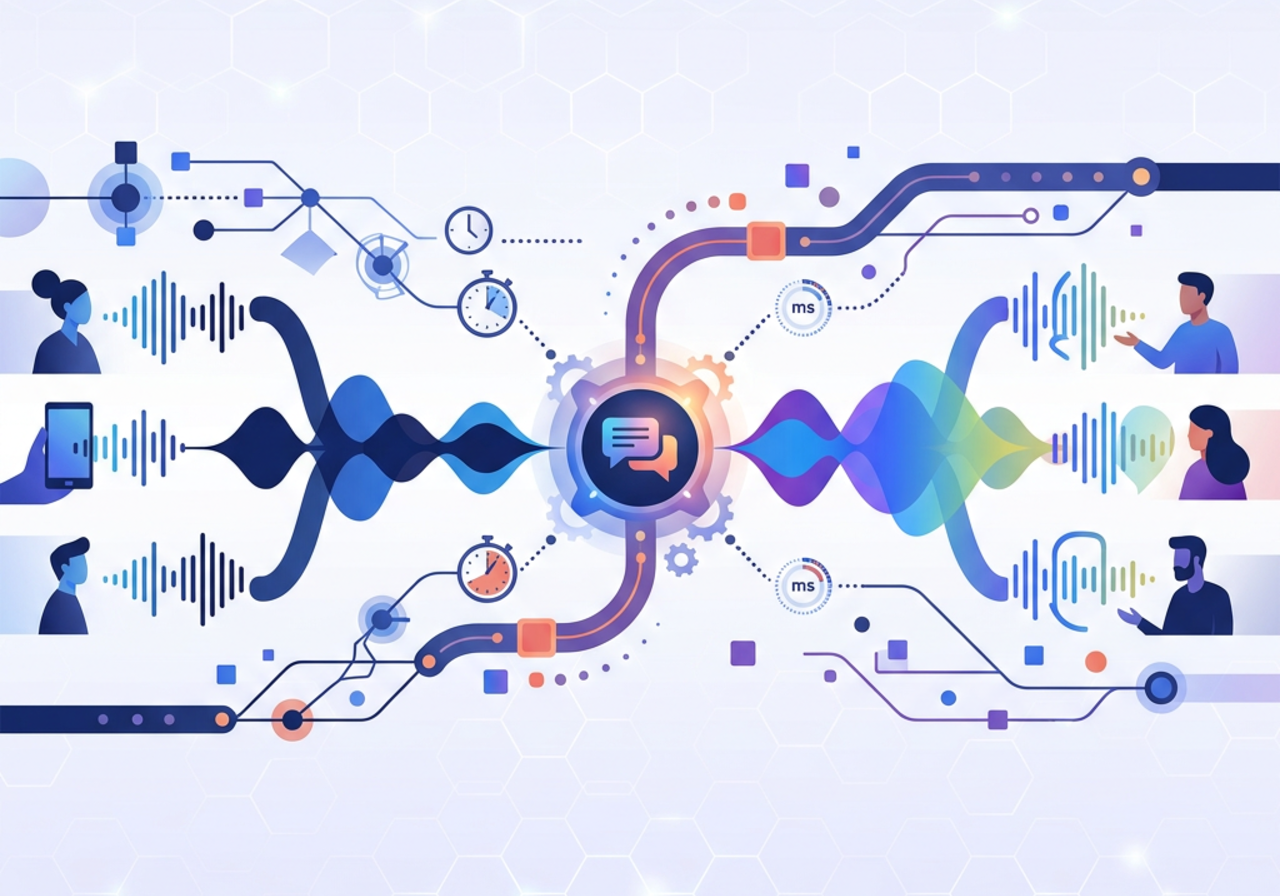
Real-time speech translation is a sequential pipeline with three core stages, each operating under strict time constraints.
Automatic Speech Recognition (ASR) converts the speaker's audio stream into text. Modern streaming ASR models emit partial hypotheses, incomplete transcription fragments updated as more audio arrives, before committing a final transcript segment. These partials are essential for keeping perceived latency low because downstream stages can begin processing before a sentence is fully spoken.
Machine Translation (MT) takes the finalized (or near-final) ASR text and translates it into the target language. Streaming MT models can accept partial inputs and produce incremental translations, though translation quality typically improves when the model receives a complete clause or sentence.
Text-to-Speech (TTS) or Caption Rendering is the output stage. For synthesized dubbing, a neural TTS engine generates audio in the target language. For captioning, the translated text is rendered on screen. Some deployments use both simultaneously, captions for accessibility and synthesized audio for immersive experiences.
The critical design choice at every handoff is how much text to buffer before passing it downstream. Too little buffering and you get fragmented, low-quality translations. Too much and you blow your latency budget.
Latency Budgets, Buffering, and Partial Hypotheses
Setting Realistic Latency Targets
For conversational contexts like support calls, research from the International Telecommunication Union (ITU-T G.114) recommends one-way mouth-to-ear delay stay below 150 milliseconds for natural dialogue, though translation pipelines necessarily exceed this. In practice, most production speech translation systems target an end-to-end latency of 2-5 seconds from the moment a speaker finishes an utterance to when the translated output reaches the listener. Events with monologue-style presentations can tolerate slightly longer delays (up to 6-8 seconds), while interactive Q&A sessions need to stay closer to 2-3 seconds.
A useful way to allocate your latency budget:
| Pipeline Stage | Typical Latency Range | Key Driver |
|---|---|---|
| ASR (streaming, partial hypotheses) | 300-1,200 ms | Endpointing sensitivity, model size |
| MT (sentence-level) | 200-800 ms | Sentence length, language pair, model complexity |
| TTS synthesis | 200-600 ms | Voice quality setting, audio chunk size |
| Network transport (each hop) | 50-200 ms | Geographic distance, protocol overhead |
| Caption rendering | 50-100 ms | Client-side processing |
These ranges are cumulative, so a poorly tuned pipeline can easily exceed 3 seconds even for short utterances.
Buffering Strategies and Partial Hypothesis Handling
Partial hypotheses from the ASR engine are a double-edged sword. Displaying or translating every partial update creates a flickering, unstable user experience. Waiting for final transcripts adds delay.
The most effective approach is a tiered buffering strategy:
- Display partials for captions with a visual indicator (such as italicized or grayed-out text) so viewers see progress without mistaking incomplete text for final output.
- Translate only stable segments by implementing a stability threshold, only send text to the MT engine once the ASR confidence for a segment exceeds a defined level or the segment has remained unchanged for a set duration (typically 300-500 ms).
- Use sentence-boundary detection to batch text into semantically meaningful chunks before translation. Clause-level batching often provides the best tradeoff between quality and speed.
For TTS output, buffering must also account for prosody: synthesizing audio from sentence fragments produces unnatural speech. Most production systems wait for a complete translated sentence before generating audio.
Custom Vocabulary, Speaker Diarization, and Noise Handling
Injecting Domain-Specific Terminology
Generic ASR and MT models routinely misrecognize or mistranslate product names, acronyms, and industry jargon. Custom vocabulary injection addresses this by providing the pipeline with a glossary of expected terms before the session begins.
Effective vocabulary injection involves:
- ASR-level biasing: Supply a list of terms the ASR model should favor during decoding. Most enterprise ASR APIs support phrase hints or contextual biasing parameters.
- MT-level glossaries: Enforce specific translations for branded terms, technical vocabulary, or regulated language. This prevents the MT engine from producing creative but incorrect translations of your product names.
- Pre-session preparation: Collect slide decks, speaker notes, and agendas in advance to build session-specific glossaries. This single step often produces the largest measurable improvement in output quality.
Speaker Diarization in Multi-Speaker Scenarios
When multiple speakers participate, panel discussions, multi-party calls, the system must attribute speech to the correct speaker. Speaker diarization separates overlapping audio streams and labels each segment by speaker identity.
Without diarization, the ASR engine may merge utterances from different speakers into a single incoherent transcript, which then produces nonsensical translations. In practice, diarization works best when speakers use separate microphone channels. When that is not possible, model-based diarization can still distinguish speakers, though accuracy drops significantly when speakers talk over each other.
For events with known speaker lineups, enrolling speaker voiceprints before the session improves diarization accuracy substantially.
Handling Background Noise and Adverse Audio
Live environments are noisy. Conference halls have echo, remote participants call in from cafés, and support agents work in open-plan offices. Noise-robust ASR requires:
- Preprocessing with noise suppression algorithms (spectral gating, deep-learning-based noise cancellation) applied before audio reaches the ASR engine.
- Acoustic echo cancellation (AEC) when speakers are in the same room as playback devices.
- Graceful degradation signaling: When signal-to-noise ratio drops below a usable threshold, the system should flag low-confidence segments rather than pass garbled text to the MT engine. Translating garbage produces confident-sounding garbage in another language, a worse outcome than displaying a "low audio quality" warning.
Captions vs. Synthesized Dubbing: When to Use Each
The choice between translated captions and synthesized audio dubbing depends on the use case, audience expectations, and production complexity.
| Factor | Captions | Synthesized Dubbing |
|---|---|---|
| Latency tolerance | Lower (text renders faster) | Higher (TTS adds processing time) |
| Cognitive load on audience | Higher (reading while watching) | Lower (listening is passive) |
| Accuracy transparency | High (viewers see exact text) | Lower (audio obscures errors) |
| Accessibility | Strong for deaf/hard-of-hearing | Requires separate caption track |
| Production complexity | Lower | Higher (voice selection, mixing) |
| Bandwidth requirements | Minimal | Moderate (additional audio stream) |
For webinars and corporate town halls, captions are often the safest default, they are lower latency, easier to deploy, and let viewers assess translation quality themselves. Synthesized dubbing works well for polished keynotes, marketing broadcasts, and scenarios where the audience prefers a hands-free listening experience.
Many organizations deploy both simultaneously, letting attendees choose their preferred mode. This is the approach Ollang supports across its live speech translation workflows, where caption and audio streams can run in parallel with unified quality monitoring.
When to Blend with Human Interpreters
Fully automated pipelines excel at scale, supporting dozens of languages simultaneously at a fraction of the cost of staffing human interpreters for each. But they have limits. High-stakes regulatory proceedings, diplomatic events, and scenarios involving complex idiomatic language or heavy code-switching still benefit from human interpretation.
A practical hybrid model:
- Automated pipeline as the primary channel for most language pairs, with real-time quality monitoring.
- Human interpreters for high-priority languages or VIP sessions where errors carry reputational or legal risk.
- Human-in-the-loop correction where a linguist monitors the automated output and intervenes to fix critical errors in real time, effectively acting as a live post-editor.
This blended approach lets you cover many languages affordably while maintaining premium quality where it matters most. If you are evaluating how to structure this for your organization, you can book a tailored hybrid deployment walkthrough with Ollang via the live demo request page at https://ollang.com/book-a-demo.