
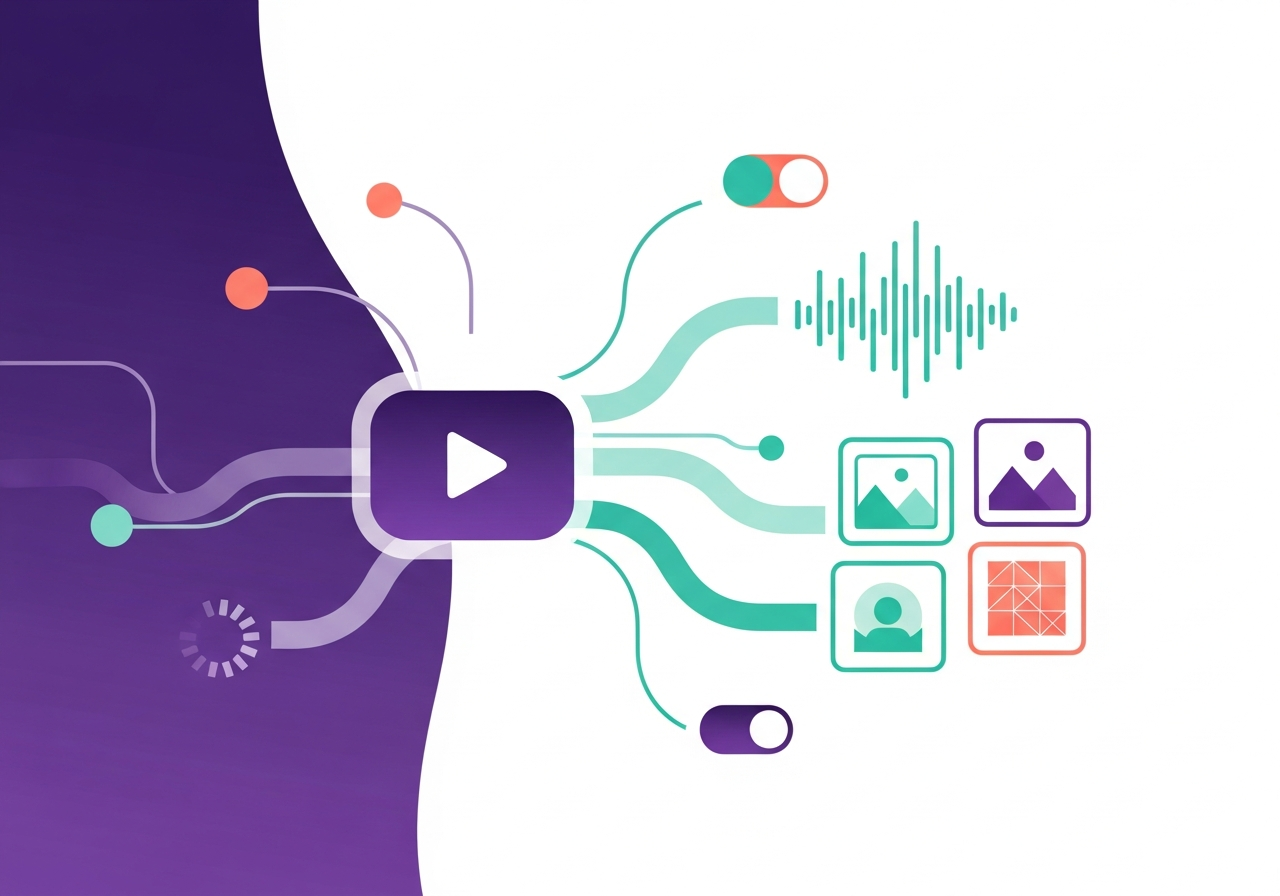
Multimodal localization is the process of adapting video, audio, images, and interactive interfaces for new markets, going far beyond translating text strings. As global content consumption shifts toward rich media, organizations need structured pipelines that handle speech recognition, machine translation, voice synthesis, subtitle timing, image adaptation, and UX redesign in a single coordinated workflow. According to CSA Research, 65% of consumers prefer content in their native language, and that preference extends to every modality they encounter. This guide breaks down the production tradeoffs, tool choices, quality thresholds, and human QA practices that make multimodal localization reliable at scale, and explains how Ollang orchestrates these complex asset pipelines from end to end.
What Is Multimodal Localization and Why Does It Matter?
Multimodal localization refers to the coordinated adaptation of all non-text content assets, video, audio, images, on-screen graphics, and interactive UI elements, for target locales. Unlike traditional localization, which focuses primarily on string translation, multimodal workflows must account for timing, tone, visual context, cultural symbolism, and accessibility requirements simultaneously.
The business case is straightforward. Video now accounts for over 82% of all consumer internet traffic, and product interfaces increasingly rely on images, animations, and voice interactions. If your localization strategy stops at text, you are leaving the majority of your user experience unlocalized, and your competitors are not.
Multimodal localization matters because:
- Users form trust and comprehension through audio-visual cues, not just words.
- Regulatory frameworks like the EU Accessibility Act mandate accessible multimedia in local languages.
- Inconsistent localization across modalities creates a fragmented brand experience that erodes conversion rates.
The Multimodal Asset Pipeline: From Source to Localized Output
A well-designed multimodal pipeline moves source assets through a sequence of AI-powered and human-reviewed stages, with clear handoff points between each. Understanding this pipeline is essential for managing cost, quality, and turnaround time.
ASR → MT → TTS/Dubbing: The Core Audio-Video Chain
The foundational pipeline for video and audio localization follows three stages:
- Automatic Speech Recognition (ASR): Source audio is transcribed into text using models like OpenAI's Whisper or cloud ASR services from Google and AWS. ASR accuracy varies by language, accent, and audio quality, expect 85-95% word error rate reduction with current models, but noisy or multi-speaker content still requires human correction.
- Machine Translation (MT): The transcribed text is translated into target languages. Neural MT engines like DeepL and Google Translate provide strong baselines, but domain-specific terminology and creative content demand post-editing by professional linguists.
- Text-to-Speech (TTS) or AI Dubbing: Translated scripts are synthesized into target-language audio. Modern TTS engines from ElevenLabs, Microsoft Azure, and Resemble AI support voice cloning and emotional prosody, enabling dubbed audio that closely matches the original speaker's tone.
Ollang automates these stages into a single pipeline, routing assets between AI services and human reviewers without manual file transfers or spreadsheet tracking.
Subtitle Workflows vs. Transcript Workflows
Subtitles and transcripts serve different purposes and require different production approaches.
| Aspect | Subtitle Workflow | Transcript Workflow |
|---|---|---|
| Primary use | On-screen display synced to video | Searchability, accessibility, downstream translation |
| Timing constraints | Strict, max 2 lines, ~42 characters per line, synced to speech | None, continuous text document |
| Reading speed | Typically capped at 17-20 characters/second | Not applicable |
| Segmentation | Must break at linguistic and visual boundaries | Paragraph-level |
| Output formats | SRT, VTT, TTML, SSA | TXT, DOCX, JSON |
Subtitle workflows demand careful attention to timing, line breaks, and reading speed, constraints that transcripts do not share. When localizing subtitles, translators must often condense text to fit timing windows, which introduces creative adaptation challenges that pure MT cannot solve alone.
Voice Cloning, Lip-Sync, and Expressive Dubbing
Voice cloning technology has matured rapidly. Services like ElevenLabs and Resemble AI can generate a synthetic replica of a speaker's voice in a target language using as little as 30 seconds of reference audio. When combined with lip-sync tools such as Sync Labs or Wav2Lip, the result is dubbed video where the speaker appears to naturally articulate the translated dialogue.
However, production teams should be aware of key tradeoffs:
- Quality threshold: Voice clones work well for neutral, informational content but can sound uncanny in emotionally complex scenes.
- Consent and rights: Many jurisdictions require explicit consent from the original speaker before creating a voice clone.
- Lip-sync accuracy: Current models handle phoneme mapping well for language pairs with similar mouth shapes (e.g., English to Spanish) but struggle with typologically distant pairs (e.g., English to Mandarin).
For high-stakes content, brand campaigns, executive communications, entertainment, human voice actors with AI-assisted timing alignment remain the gold standard.
Image and On-Screen Text Localization
OCR-Based Extraction from Screenshots and UI Assets
Images embedded in products, marketing materials, and help documentation frequently contain text that must be localized. Optical Character Recognition (OCR) engines, Google Cloud Vision, AWS Textract, and Tesseract, can extract embedded text from screenshots, infographics, and UI mockups with high accuracy for clean renders and lower accuracy for stylized or handwritten fonts.
The typical workflow is:
- Ingest source images and run OCR to extract text layers.
- Route extracted strings through MT and human review.
- Re-render localized text back into the original image layout, adjusting for text expansion (German text is typically 30% longer than English) and right-to-left scripts.
Ollang automates this extraction-translation-recomposition cycle and flags images where text expansion or script direction changes require manual design adjustments.
Culturally Adapting Visual Content
Localization of images goes beyond text replacement. Visual elements carry cultural meaning that can enhance or undermine your message:
- Color symbolism: White signifies purity in Western cultures but mourning in parts of East Asia.
- Imagery and gestures: A thumbs-up is positive in North America but offensive in parts of the Middle East.
- Representation: Audiences respond better to imagery featuring people who look like them, stock photo libraries should be curated per market.
- Iconography: Mailbox icons, currency symbols, and navigation metaphors vary by locale.
Effective image localization requires a cultural review step where native-market reviewers evaluate visual assets against local norms, a process that AI can flag but cannot fully automate.
UX and Interactive Interface Localization
Localizing interactive interfaces, web apps, mobile apps, SaaS dashboards, introduces challenges that static content does not. UI localization must account for:
- Text expansion and truncation: Buttons, labels, and tooltips must accommodate languages that are significantly longer or shorter than the source.
- Bidirectional (BiDi) layout: Arabic, Hebrew, and other RTL languages require mirrored layouts, including navigation, progress bars, and form fields.
- Date, time, number, and currency formatting: These vary by locale and must be handled programmatically, not through translation.
- Input methods: CJK languages require IME support; some languages need specialized keyboards.
- Dynamic content: Pluralization rules, gender agreement, and variable interpolation differ across languages, ICU MessageFormat or similar frameworks prevent broken strings.
Product teams should integrate localization testing into their CI/CD pipeline, catching layout breaks and string issues before they reach production.