
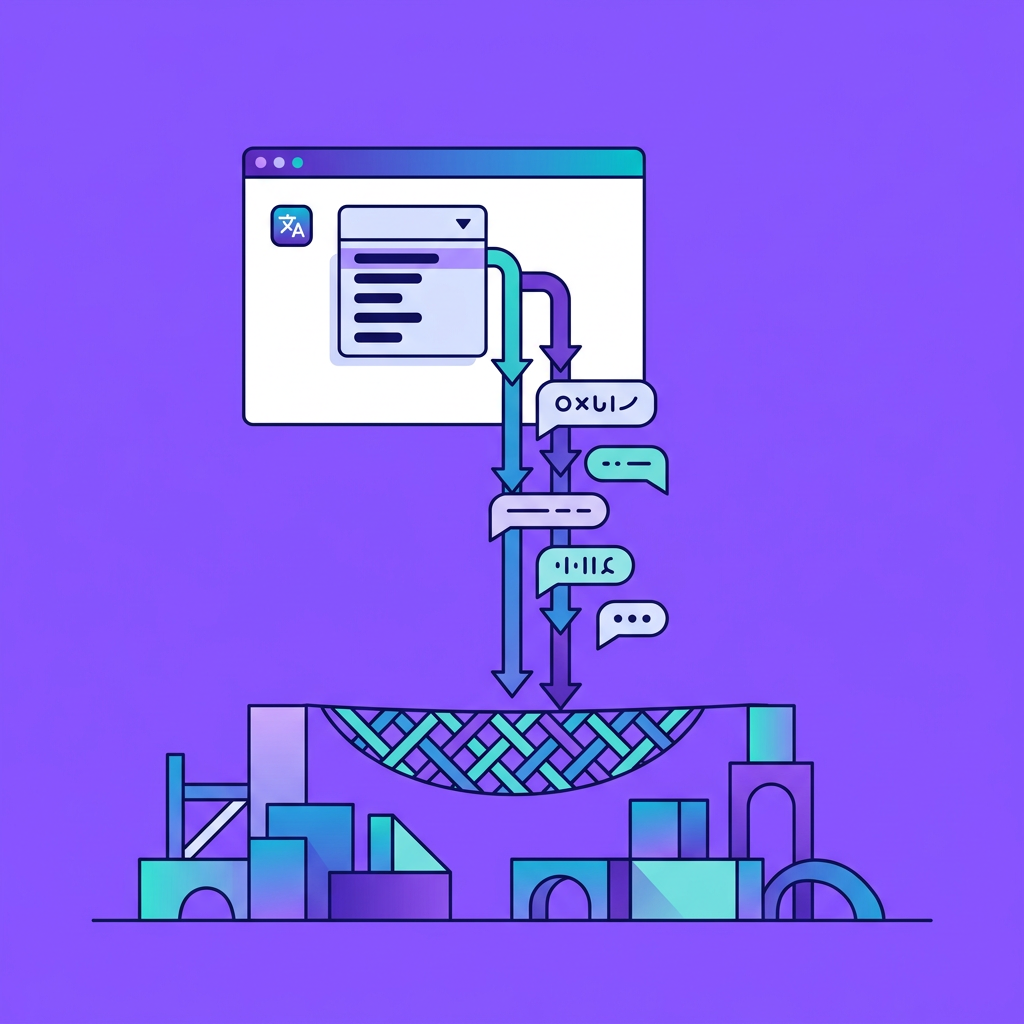
Most web apps bolt on localization as an afterthought, a JSON file per language, a manual handoff to translators, and a silent prayer that nothing breaks when a locale is missing. The result is untranslated strings leaking into production, ICU placeholders rendered as raw syntax, and no fallback when the translation API is down. This guide gives you a minimal, production-safe recipe: an i18n key-based architecture backed by a translation API, a deterministic locale fallback chain (fr-CA → fr → en), glossary attachment, placeholder preservation, caching, circuit breakers, and graceful degradation. Every code sample is copy-paste-ready. An engineer with moderate JavaScript/Node experience can ship a working multilingual page, with API calls, caching, and robust fallback, in under a day.
If your team needs enterprise-grade localization that handles text, video, audio, and software in one platform, see a guided demo of Ollang. Ollang unifies API-first integration with built-in glossary and quality controls to reduce manual review work.
Why Key-Based i18n With API Backfill Is the Simplest Approach
Static bundles vs. dynamic translation: when to use each
Static JSON bundles, one file per locale, are the default for most frameworks. They work well when your content is stable, your language count is small, and you have a reliable CI pipeline to rebuild bundles after every translation round. The moment any of those assumptions breaks, you hit problems: stale translations, missing keys for new features, and a growing backlog of untranslated strings.
Dynamic translation via API solves the backfill problem. When a key has no local translation, the app calls a translation API at runtime (or build time), caches the result, and serves it. This hybrid model gives you the speed of static bundles for known translations and the coverage of API-generated translations for everything else.
Use static bundles as your primary source and API backfill as a safety net. This keeps latency low for the common case and eliminates the "missing string" failure mode entirely.
Not sure which mix fits your stack right now? Talk through the tradeoffs with an Ollang engineer.
Why a fallback chain matters more than full coverage
Full translation coverage across every locale is aspirational. In practice, fr-CA might have 80% of your keys translated while generic fr covers 95%. A fallback chain lets you serve the most specific translation available without requiring completeness at every level.
The chain fr-CA → fr → en means: look for a Canadian French string first, fall back to generic French, and finally fall back to English as the ultimate default. This is the same pattern used by the ICU MessageFormat specification and by every major browser's Accept-Language negotiation.
Without a fallback chain, a single missing key in fr-CA forces you to either show a raw key name or an English string with no intermediate step. Both are worse than showing generic French.
Detecting and Resolving the User's Locale
Parsing Accept-Language and cookie/session overrides
Locale detection should be deterministic and testable. Start with the Accept-Language header, which the browser sends automatically. Parse it to extract an ordered list of locale preferences:
function parseAcceptLanguage(header) {
if (!header) return [];
return header
.split(',')
.map((part) => {
const [locale, q] = part.trim().split(';q=');
return { locale: locale.trim(), quality: q ? parseFloat(q) : 1.0 };
})
.sort((a, b) => b.quality - a.quality)
.map((entry) => entry.locale);
}
Layer cookie or session overrides on top. If a user explicitly selects de in your UI, store that preference in a cookie and prioritize it over the header:
function resolveLocale(req, supportedLocales, defaultLocale = 'en') {
const cookieLocale = req.cookies?.locale;
if (cookieLocale && supportedLocales.includes(cookieLocale)) {
return cookieLocale;
}
const preferred = parseAcceptLanguage(req.headers['accept-language']);
for (const locale of preferred) {
if (supportedLocales.includes(locale)) return locale;
const lang = locale.split('-')[0];
if (supportedLocales.includes(lang)) return lang;
}
return defaultLocale;
}
Building the fallback chain: fr-CA → fr → en
Once you have the resolved locale, expand it into a fallback chain:
function buildFallbackChain(locale, defaultLocale = 'en') {
const chain = [locale];
if (locale.includes('-')) {
chain.push(locale.split('-')[0]);
}
if (!chain.includes(defaultLocale)) {
chain.push(defaultLocale);
}
return chain;
}
// buildFallbackChain('fr-CA') → ['fr-CA', 'fr', 'en']
This chain drives every downstream lookup: local bundles, cache reads, and API calls.
Core Translation Function With Caching and Glossary
Fetching strings: local bundle → cache → API call
The t() function is the heart of the system. It walks the fallback chain, checking each source in order:
async function t(key, locale, params = {}) {
const chain = buildFallbackChain(locale);
for (const loc of chain) {
// 1. Local bundle
const bundleValue = bundles[loc]?.[key];
if (bundleValue) return formatICU(bundleValue, params, loc);
// 2. In-memory cache
const cached = cache.get(`${loc}:${key}`);
if (cached) return formatICU(cached, params, loc);
}
// 3. API backfill using the most specific locale
const translated = await fetchTranslation(key, chain[0]);
if (translated) {
cache.set(`${chain[0]}:${key}`, translated);
return formatICU(translated, params, chain[0]);
}
// 4. Graceful degradation: return default locale string or key name
const fallbackValue = bundles['en']?.[key] || key;
return formatICU(fallbackValue, params, 'en');
}
This layered lookup ensures the fastest path is tried first (in-memory), the slowest path (API) is a last resort, and the user never sees a raw key.
Attaching glossary terms to API requests
Glossaries enforce consistency for brand names, product terms, and domain-specific vocabulary. When calling a translation API, attach your glossary as part of the request payload:
{
"source_language": "en",
"target_language": "fr-CA",
"text": "Your {productName} subscription renews on {date}.",
"glossary": {
"subscription": "abonnement",
"renews": "se renouvelle"
}
}
Most translation APIs accept glossary entries as key-value pairs or as a reference to a pre-uploaded glossary resource. The critical point is that glossary attachment happens at the API call layer, not in the t() function itself. This keeps your core translation function clean and lets you swap glossary strategies without touching lookup logic.
Preserving ICU placeholders through the translation round-trip
ICU MessageFormat placeholders like {count, plural, one {# item} other {# items}} must survive the translation API call intact. If the API treats them as translatable text, you get broken output.
The safest approach is to replace placeholders with non-translatable tokens before sending, then restore them after:
function shieldPlaceholders(text) {
const map = {};
let counter = 0;
const shielded = text.replace(/\{[^}]+\}/g, (match) => {
const token = `__PH${counter++}__`;
map[token] = match;
return token;
});
return { shielded, map };
}
function restorePlaceholders(text, map) {
let result = text;
for (const [token, original] of Object.entries(map)) {
result = result.replace(token, original);
}
return result;
}
Use shieldPlaceholders before calling the API and restorePlaceholders on the response. This pattern works regardless of which translation provider you use.
Caching strategy: TTL, invalidation, and memory limits
For most web apps, an in-memory LRU cache with a TTL of 1-24 hours is sufficient. Use a library like lru-cache in Node.js:
import { LRUCache } from 'lru-cache';
const cache = new LRUCache({
max: 10000, // max entries
ttl: 1000 * 60 * 60, // 1 hour
});
For multi-instance deployments, front the LRU with Redis. The key schema {locale}:{key} keeps lookups O(1). Invalidate by publishing a message to a Redis channel when translations are updated in your CMS or translation management system.
Avoid caching API error responses. If the API returns an error, let the next request retry rather than serving a cached failure for an hour.